Seeing a piece of work whole
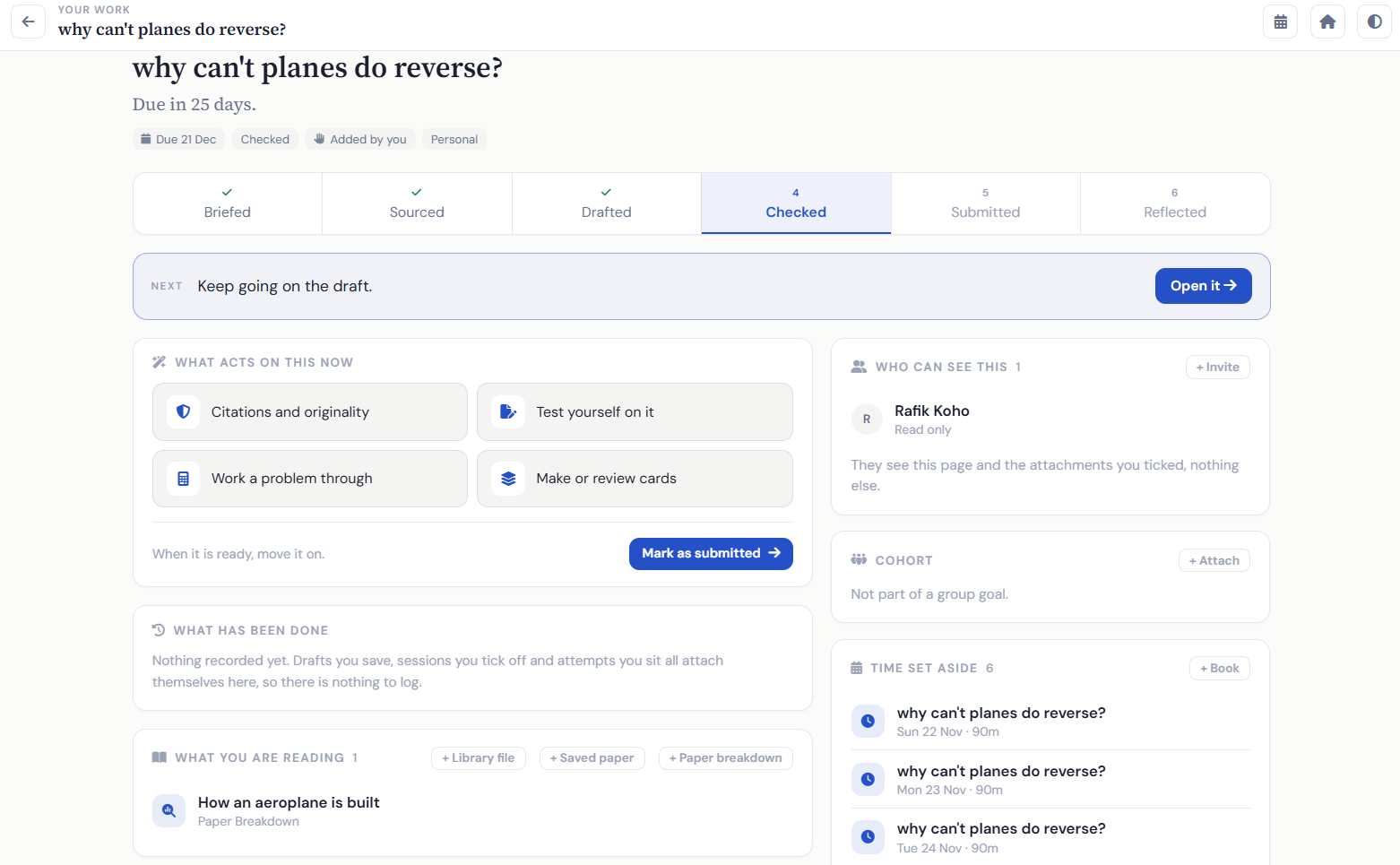
One page per deliverable: everything attached to it, the stage it is at, what is due, and the history of how it got there.
5 min read · article 6 of 10
What is on it
- The next action, at the top, because that is why you opened it.
- Everything attached, in the four groups, each item clickable through to the tool that made it.
- The schedule, if a plan has been adopted for this work.
- The people, if you have invited anyone.
- The history: what was added when, and which stage changes were automatic.
Stages move by themselves, forwards only
Saving a draft in context marks the item as drafting. Saving a citation marks it as sourced. Running an originality check marks it as checked. Nothing ever moves an item backwards automatically, and nothing deletes: a saved draft means drafting has started, it does not mean the chapter is finished.
You can move any item by hand at any time, and your move wins over anything automatic.
When something stalls
If an item with a deadline has had no activity for a while, it is marked as stalled with the reason, on the board and on the dashboard. This is derived from recorded activity against the item rather than from anything you have to log.
Was this article useful?
Thank you. That is recorded.
Previous: Write, with your sources attached