Write, with your sources attached
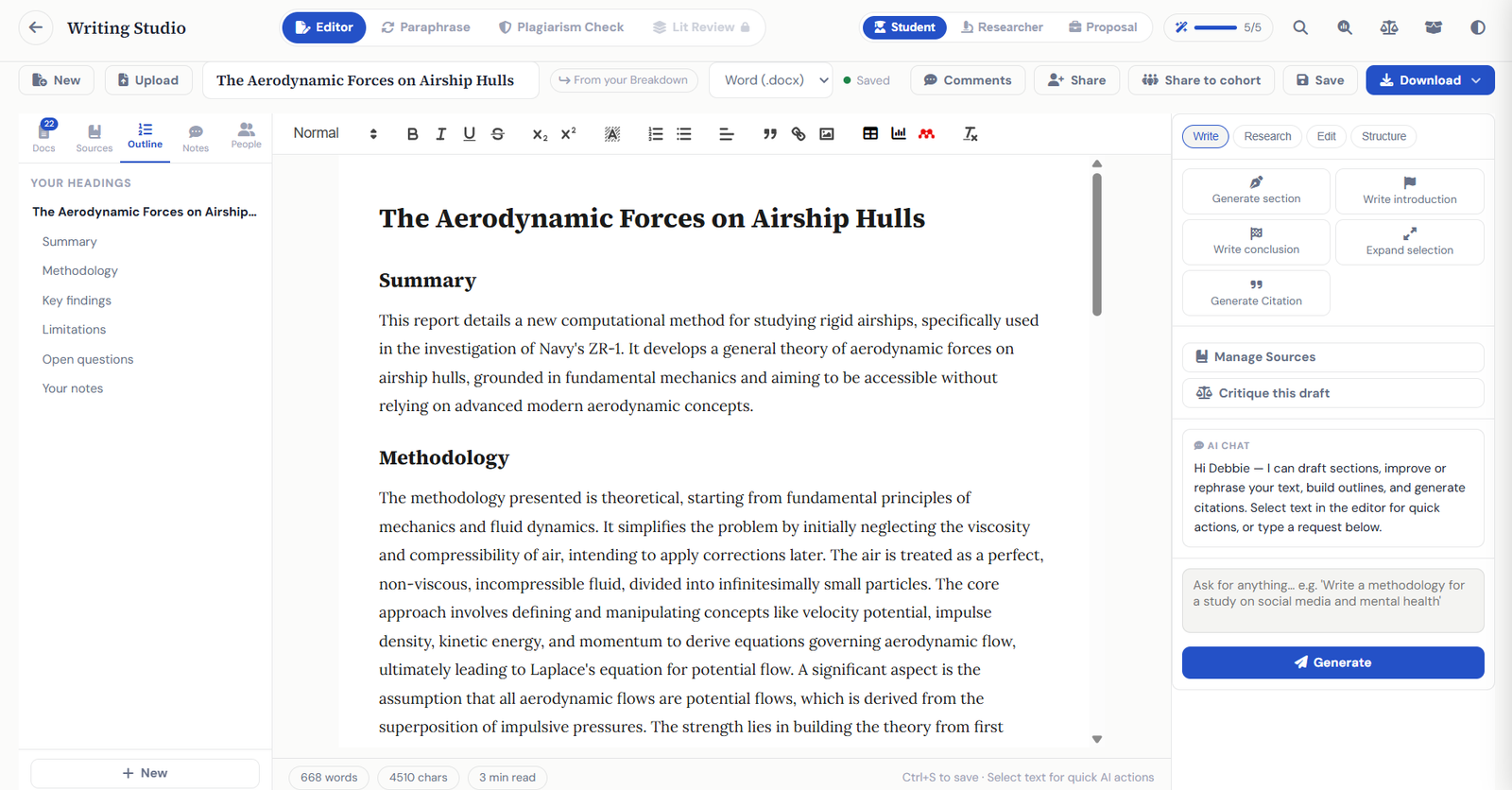
The Writing Studio draft attaches to the deliverable, and the citation list is the one you have been building while reading.
6 min read · article 5 of 10
Start from inside the work
Open the work item and start the draft from there, or set the work context and open the Writing Studio directly. Either way the document attaches, and the item moves to Drafting on its own.
What is kept
- Every version. An argument you cut in week three is recoverable in week six. Versions record who saved them, which matters when two of you are in the same document.
- Comments, threaded on the text, visible to anyone with at least the reviewer role.
- Citations, from everything you have located or broken down for this piece of work.
- An originality check against your own prior work, which moves the item to Checking.
Exporting
A draft exports to Word or to slides. If your deployment is missing the Office libraries the export declines and says so, rather than taking the page down with it.
The originality check compares against your own earlier drafts and the corpus the platform holds. It is a drafting aid, not an academic integrity service, and should not be presented as one to a student.
Was this article useful?
Thank you. That is recorded.
Previous: Attach what you are reading