Working inside a deliverable
Rather than filing things afterwards, you tell the product once what you are working on. Everything you produce while that is set attaches to it.
4 min read · article 3 of 10
The bar at the top of every tool
Open any tool and there is a line naming the deliverable you are working on, or offering to pick one. Set it, and the Writing Studio draft, the paper you find, the breakdown you make and the critique you run all attach to that item without you doing anything else.
Three rules worth knowing
Each of these exists because the obvious version is wrong.
- An explicit link always beats the remembered context. If you clicked through from a work item, that is the one that counts.
- The context expires after six hours. A context that outlives the sitting it was set in starts attaching work to the wrong deliverable, which is worse than attaching nothing.
- There is always a visible way to detach. Most writing happens outside a tracked deliverable, and that is fine.
Nothing is ever attached silently to something you did not choose. If no context is set, the tool says so plainly rather than guessing.
Attaching after the fact
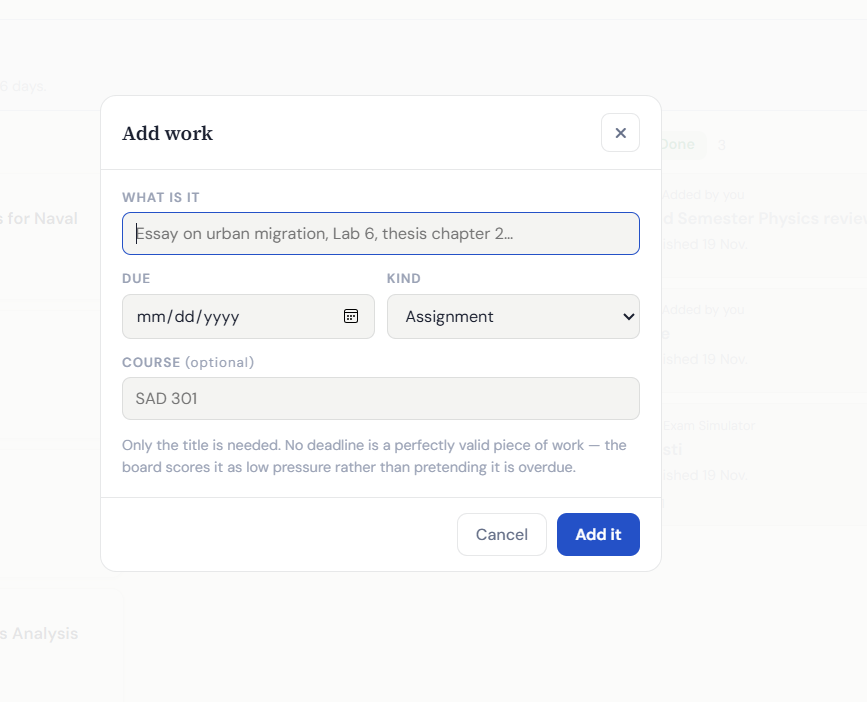
If you made something before setting a context, you can attach it later from the work item page or from your library. Nothing has to be done in order.
Was this article useful?
Thank you. That is recorded.
Previous: Create your first piece of work