What Myfolder Space is
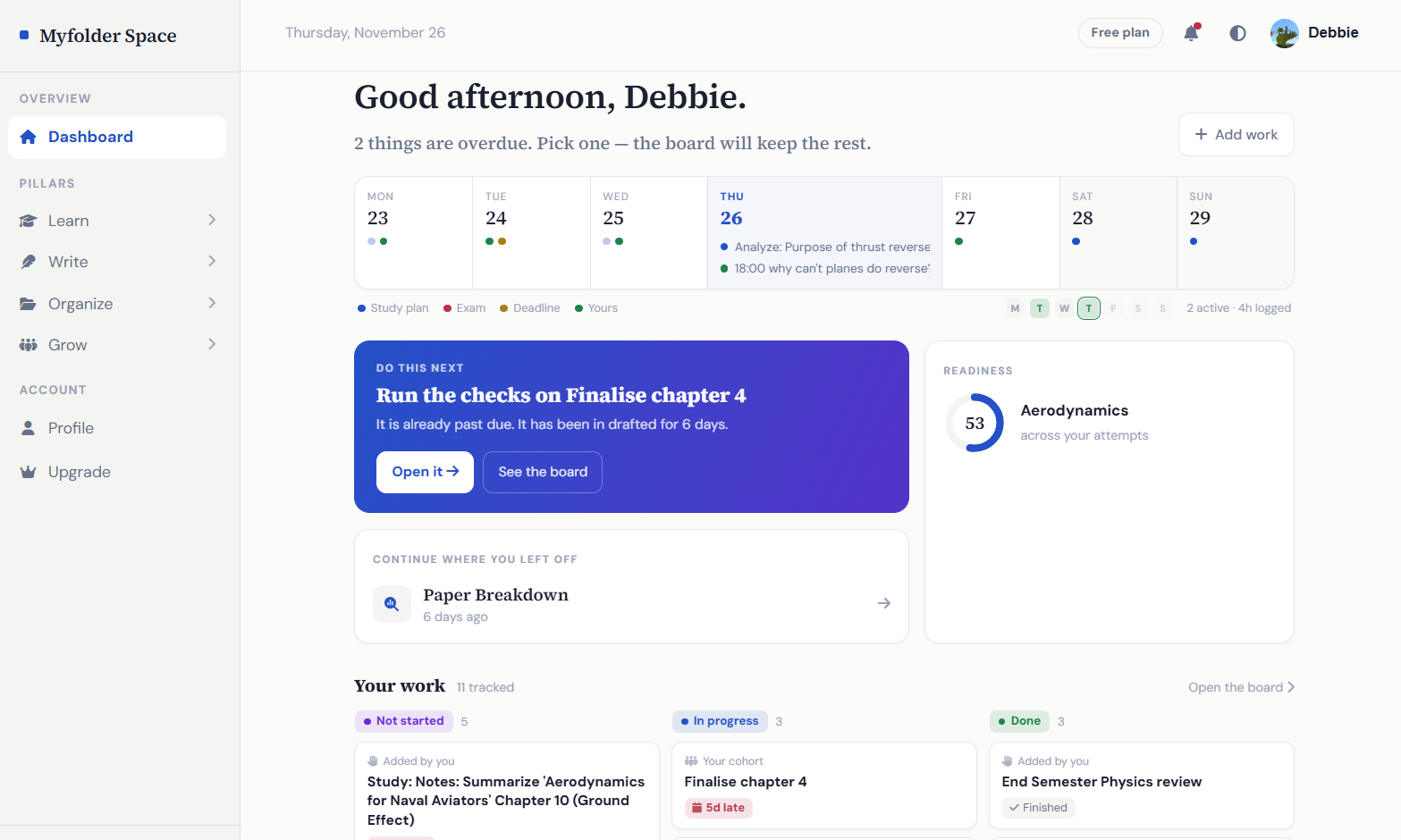
Most academic tools keep each piece of work in its own box and leave the joining up to you. This one treats a deliverable as a first-class object, and everything you read, test, write and plan attaches to one.
4 min read · article 1 of 10
The one idea
A chapter, a paper, a literature review, a seminar, an exam: each of these is a work item, with a type, a subject, a deadline and a stage. It is not a folder you file things into. It is an object the system knows about, so it can tell you what is due, what has stalled, and what is attached to what.
If you take one thing from this guide: make a work item for something real before you explore anything else. Every other feature becomes more useful once there is a deliverable for it to attach to, and less useful without one.
What can attach to a piece of work
Eight kinds of thing, in four groups. The groups are the product's own, not an invention of this page:
| Group | What goes in it |
|---|---|
| What you are reading | A file from your library, a paper you located, a paper breakdown |
| What you are testing it against | A Sounding Board critique, a worked problem, a mock exam |
| What you are writing | A Writing Studio document |
| How you are getting it done | A study plan |
Open the work item and all of it is on one page, each thing clickable, with a history of what was added when.
The four pillars
The tools are grouped as Learn, Write, Organize and Grow. The grouping is for finding things; the connections ignore it entirely. A paper you find under Write lands in a library under Organize and attaches to a work item that drives what Learn suggests next.
Who it is for
Researchers and postgraduates use it for chapters, reviews and supervision. Taught students use it for assignments and exams. The model is the same; what differs is which pillar your dashboard leads with, which you set on your profile.
Was this article useful?
Thank you. That is recorded.